June 13, 2026
5 min read
TikTok Video Ads in 2026: Specs, Sizes, and What Converts
A 2026 guide to TikTok video ads: exact ad size, dimensions, resolution, safe zones, Spark Ads vs In-Feed, and the creative rules the algorithm rewards.
tiktok / ad specs / paid social / vertical video / ctr
Guides
TikTok Video Ads in 2026: Specs, Sizes, and What Converts
A skincare brand uploads a 4K hero film it paid a studio to produce, picks the standard objective in Ads Manager, and watches the cost-per-result drift up for a week before anyone checks the in-app preview. The product claim, it turns out, is sitting directly behind the "Shop Now" button, and the first frame is a slow logo fade. The file was technically perfect. It was also invisible in the only place it mattered. This is the gap that trips up most people running TikTok video ads: the platform accepts almost anything, but it only serves a narrow set of choices well.
This guide walks through both halves of that problem in order. First, the exact specs as they stand in TikTok Ads Manager in 2026, including the safe-zone numbers that decide whether your offer is readable. Then the two format families you choose between, and finally the creative rules that are specific to how TikTok measures and ranks paid video.
TikTok ad size, dimensions, and resolution
These are the values in TikTok Ads Manager as of early 2026. They have been stable for several cycles, but specs do shift, so it is worth re-checking against the upload screen the day you launch a new campaign.
- TikTok ad size (aspect ratio): 9:16 vertical is the only ratio that fills the For You feed. The platform accepts 1:1 and 16:9, but both get letterboxed in-feed and give back the top and bottom thirds of the screen, which is exactly where the eye settles first. Author in 9:16 and crop outward for other channels, applying the same framing and pacing rules for 9:16 as you go.
- TikTok ad dimensions and resolution: 1080 by 1920 pixels. Upload at exactly this. A 4K source gets re-encoded down to feed resolution regardless, so the extra pixels add upload time and nothing else.
- File format and weight: MP4 or MOV, H.264 video, AAC audio. The hard cap is 500MB. A clean 15-second vertical ad almost always lands under 50MB, so if yours is much heavier, something is wrong with the export.
- Frame rate: 30fps is the safe default. 60fps is accepted and looks slightly smoother on fast motion, but it rarely moves results enough to justify the larger file.
- Length: The platform allows long videos, but for paid placements the 9-to-21-second band is where cost-per-result tends to stay lowest, because completion rate is part of how the auction prices you. Past roughly 25 seconds, completion falls and the cost usually follows it up.
The number that quietly decides readability is the safe zone, and it is the one people skip. Keep all text and key product visuals out of the bottom 140 pixels and the right 120 pixels. That space belongs to the system: the handle, the caption, the CTA button, and the like, comment, and share rail all render on top of your video there. The top 130 pixels can also get crowded by status bars and the close button. Anything important you place in those margins is, from the viewer's side of the glass, gone. Run a frame through our free safe zone checker before you export and the collisions show up immediately.
Captions, because most first views are silent
A large share of feed views begin with sound off, at least for the first beat before someone decides your video is worth unmuting. If your message lives only in the audio track, half your paid audience never receives it. Burning captions directly into the video is more reliable than TikTok's auto-captions, which can be switched off by the viewer and sometimes render late or in the wrong style. Keep the caption text inside the safe zone, set it high-contrast, and size it to read on a phone held at arm's length.
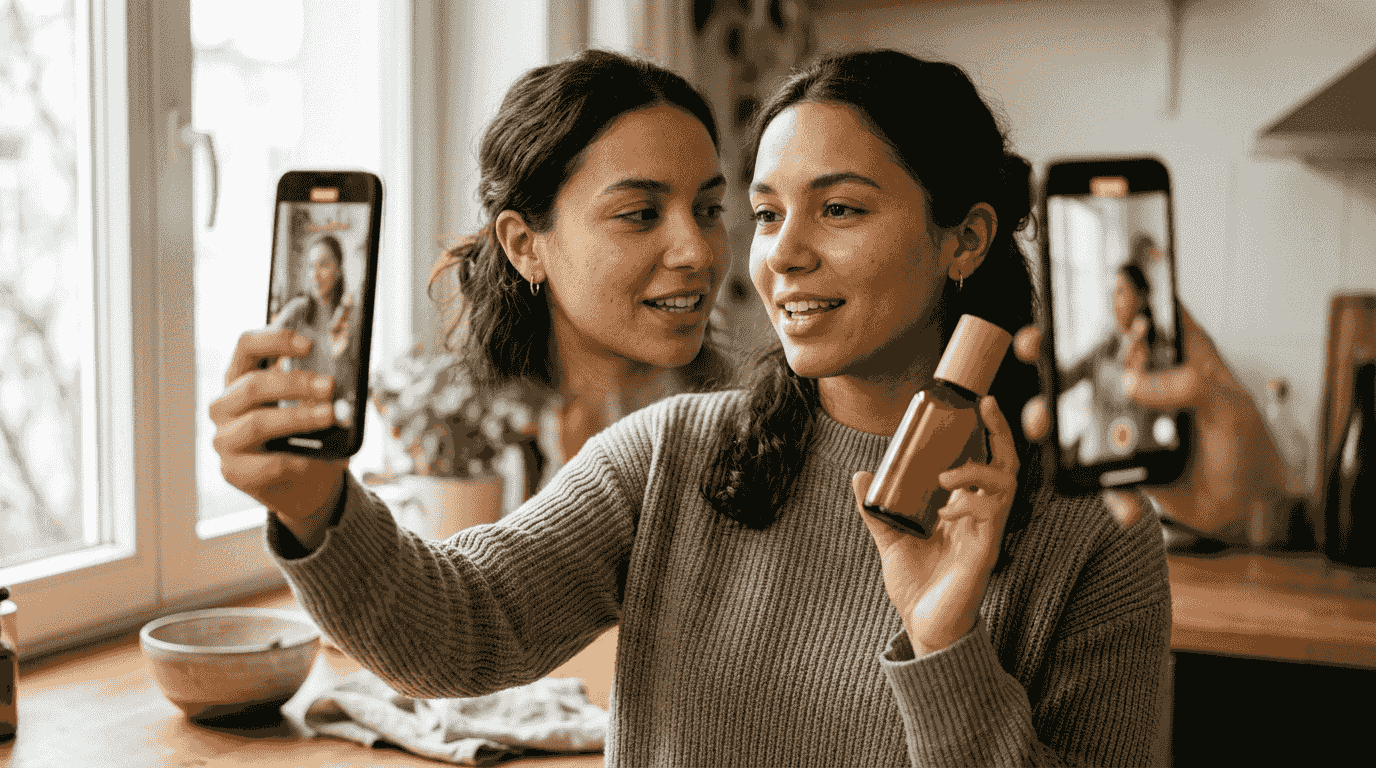
Spark Ads vs In-Feed Ads
Before the specs even matter, you choose how the ad enters the feed, and the two paths have different requirements and different effects on cost.
In-Feed Ads are the classic format. You upload your creative as an asset, attach it to a campaign, and it appears in the For You feed marked as Sponsored. You control everything in the file, and the spec list above applies directly to it.
Spark Ads promote an existing organic post instead of an uploaded asset. The post can be from your own account or, with a posting code, from a creator who authorizes you. Because Spark Ads run as native posts, they carry the real handle, the comment thread, the profile, and any organic engagement the post already earned. They tend to feel less like an interruption, which often shows up as lower cost-per-click and stronger trust signals on the same creative. The trade-off is that you give up some control: you are promoting a real post, comments and all, and the spec discipline shifts to whatever you published organically. For most brands the practical move is to post the creative organically first, confirm it is framed correctly, then Spark it.
One spec note that surprises people: trending audio is a gift in organic posts but a liability in paid ones. Commercial use of a popular song you do not have rights to can get a Spark Ad disabled. TikTok provides a Commercial Music Library for exactly this reason, and licensed or original sound is the safe choice for anything you put spend behind.
How TikTok ranks paid video, and why the open matters
The For You system optimizes for watch time and completion first, then layers engagement signals on top. For a paid placement, the earliest seconds carry extra weight, because that is the window where the auction decides whether to keep serving your ad at a low cost or start charging you more per impression. A weak open does not just lose one viewer. It teaches the system that your ad is expensive to show.
The viewer's decision is fast and binary: keep watching or flick up. They make it before they have consciously identified your product. So the first second cannot be a logo animation, a slow establishing shot, or a brand name fading in, because all three read as advertising, and the trained TikTok reflex is to scroll past anything that announces itself.
Three things specific to this feed tend to earn the next two seconds:
- Motion on the first frame. A still opening frame reads as a paused video and gets scrolled. Start mid-gesture, mid-pour, mid-walk. The video should already be moving when it appears.
- A human element early. A face or even a hand holding the product holds attention longer than product-on-white. TikTok is a feed of people, and creative that looks like a person talking survives in it better than a polished cutaway.
- A spoken or captioned line that opens a small loop. Not "Introducing our new app." Something the viewer wants resolved, phrased the way they would say it themselves.
Make it look native, not produced
The single most TikTok-specific creative rule is that the ad has to survive in an organic feed. The conventions that signal "this is one of us" are concrete and worth using on purpose. The green-screen effect, where a presenter stands in front of a screenshot or a product page, reads as native commentary rather than a commercial. Text-to-speech voiceover, the platform's familiar synthetic narrator, is so associated with organic content that it can lower the ad-detection reflex on its own. A face talking to the camera with rough handheld framing routinely holds attention better than a studio-lit beauty shot, even though it costs a fraction as much to make.
For a worked example, take a meal-prep delivery service. An In-Feed creative in native style might open on a hand pulling a container out of a fridge, mid-motion, with a text-to-speech line reading "POV: it's 7pm and you haven't decided what's for dinner." The next few seconds show the box opening and a meal going into the microwave, captioned with the actual cook time. The payoff is a single plate and one instruction: order link in bio. No establishing shot, no brand sting, no music you do not own. It looks like something a customer might have filmed, which is the entire point.
If you want a deeper bank of openers to draw from, our scroll-stopping hook formulas work well as a starting library, and the discipline of running and reading multiple versions is covered in our guide to creative testing for video ads. The short version that applies here: a single beautiful ad is a bet on one hook landing in a feed too noisy to predict, so you want several genuinely different opens against the same demonstration, each changing one thing at a time so a winner actually tells you something you can reuse.
The two failure modes that cost the most
Two things specific to TikTok deserve planning rather than reaction.
Creative fatigue arrives faster here than on most channels. The feed moves quickly and the same users encounter your ad repeatedly, so a winner that was cheap on Monday can be expensive by the following week. The fix is to refresh on a rolling schedule rather than waiting for a quarterly campaign, and our guide on refreshing creative before fatigue spikes your costs covers when to pull a tiring ad.
The second failure mode is upstream of all of this: producing enough variants to test properly. The strategy that works on TikTok, several native-looking opens refreshed often, is exactly the one that hurts to execute if every video is a manual edit or a contractor invoice. That production ceiling is the real reason many small advertisers run one ad, watch it underperform, and conclude the channel does not work for them, which is why making TikTok ads fast without a production team changes what you can realistically put in the auction.
Quick answers on TikTok ad specs
What is the correct TikTok ad size and resolution?
9:16 vertical at 1080 by 1920 pixels, exported as MP4 or MOV with H.264 video and AAC audio, under 500MB. That ad size fills the For You feed and keeps your creative out of the letterbox that square and landscape get.
What is the best length for a TikTok video ad?
9 to 21 seconds for paid placements: long enough to hook, demonstrate, and ask for a click, short enough to hold completion rate. If yours runs over, cut the middle rather than the ends. When you repurpose across platforms, it helps to know the optimal ad length by platform first.
Should I use Spark Ads or In-Feed Ads?
Spark Ads usually win on cost-per-click and trust because they run as native posts with real engagement, but they give up some control and require a real published post. In-Feed Ads give you full control over the asset. A common path is to post organically, confirm framing, then Spark the post.
Can I use trending sounds in a TikTok ad?
Not safely if the track is not licensed for commercial use. Use TikTok's Commercial Music Library or original audio for anything you put spend behind, since an unlicensed trending sound can get a paid post disabled.
Sources
- TikTok for Business - TikTok Auction In-Feed Ads Specifications
- TikAdSuite - TikTok Ad Specs 2026: Sizes, Formats and Limits
- BigMotion - The Ultimate Guide to TikTok Video Size, Format, and Requirements
- Koro - The Ultimate TikTok Safe Zone Strategy for Ads
- Zeely - TikTok Safe Zones: 2026 Guide with Practical Templates
- Cometly - How Long Should a TikTok Ad Be for Maximum Impact
The part that stops most founders is not the spec sheet; it is producing enough native-looking 9:16 variants to test the way TikTok rewards. That is where a tool like Aitachyon earns its place, turning one product into several captioned vertical cuts you can run, read, and refresh without booking a shoot.
01 Related articles
Seedance 2.5 API Pricing: What a Clip Really Costs
AI Video Generation API Pricing in 2026, Model by Model
Veo 3.1 Fast API: Price, Limits and How to Call It
ElevenLabs API Pricing: What a Voiceover Really Costs (2026)
How to Run a Faceless YouTube Channel With AI in 2026
Faceless Channel Cost: What Each AI Video Costs to Make
02 Free tools to try
aitachyon Blog